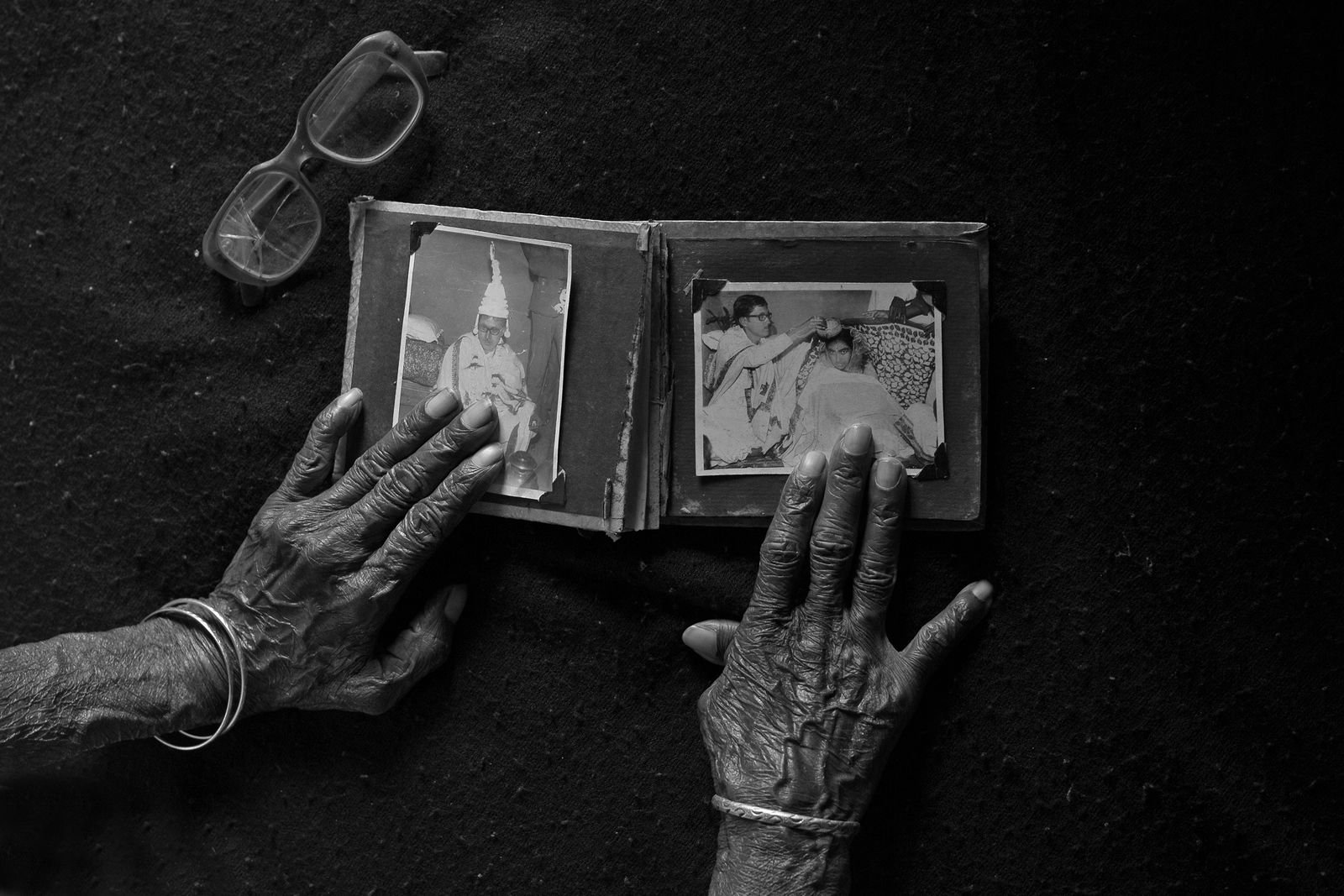
Scanning old family photos in India needs three things: a phone or a flatbed scanner, a dry room, and the person who can still name the faces. Scan at the house where the albums live. Free stuck prints only if they come away easily. Keep old negatives apart. Write every caption on the day you scan.
The settings, the file names and the backups are already on my family legacy book guide: 300 dpi for ordinary prints, more for anything you will enlarge. This post is about everything around those settings. The sticky album from 1986. The monsoon. The strip of negatives nobody has looked at since the wedding. What it costs. And the afternoon with your mother and the albums, which is the part a scanner cannot do.
What should you do before you scan anything?
Before you scan anything, sort the photographs into piles, clean your hands, and decide which prints never leave the house.
The handling rules are short, and every archive agrees on them:
- Clean, dry hands, or gloves. The Library of Congress says to wear “fitted, clean, lint-free cotton or nitrile gloves” (its photo care FAQ). The US National Archives adds: no lotion, no hand sanitiser.
- Hold prints and negatives by the edges. Never touch the image side.
- Write on the back in soft pencil only. The Canadian Conservation Institute recommends an HB pencil on the border or back. Ballpoint and felt-tip can bleed through (CCI, basic care).
- Make three piles. One of a kind (the 1962 wedding portrait, the only photo of a grandparent). Ordinary prints with copies elsewhere. Damaged, stuck or mouldy.
The first pile stays at home and gets scanned there. On my heirloom book page I put it this way: the trunk is the part with no second copy. The other two piles can be planned around.
How do you get photos out of a sticky album?
The safest way to free a photograph from a self-adhesive album is to cut the page around it, not to peel it.
If your family has an album from the 1980s or 90s, it may be one of these: the “magnetic” album with a clear plastic sheet over a gummed card page. Archives have been warning against them for years. The US National Archives tells families to “avoid albums with self-stick pages” because of the adhesive, and the Canadian Conservation Institute adds that prints get harder to remove the longer they stay.
Start with one step from archival suppliers such as Gaylord:
- Scan the whole page first, photos and all, so nothing is lost if a print tears.
Then what the Library of Congress recommends:
- Cut around each photograph while it is still attached to the page, as long as there is no photograph on the back. Its FAQ calls this “the safest do-it-yourself way”.
- If the adhesive has dried out, slide a thin card behind the print.
- If it resists, stop. For a valuable photo, or a valuable album, the Library sends you to a conservator.
Gaylord also describes working flattened dental floss under a corner, side to side. Try it on an ordinary print first. If the paper starts to lift away from the photo, that print stays on its page, and the page scan is your copy.
Hair dryers and the freezer turn up in a lot of online advice for dry sticky albums. (Wet prints are different; see the section on damp below.) I could not find a conservation body that recommends either for this, so I leave them out.
Free printable: 100 questions to ask your parents
Ten sessions, ten questions each, in the order that gets a parent talking. Print it, take it home, tick them off as you go. Leave your email and download it straight away.
Scanning old family photos: phone, flatbed or a service?
Use a phone for a quick first pass, a flatbed for the photos that will go in the book, and a service only for large batches of ordinary prints.
| Option | What it costs | Good for | Watch out for |
|---|---|---|---|
| Google PhotoScan (Android, iPhone) | Free | A fast first pass, prints still in albums | Phone-camera quality; the app was last updated in July 2023 |
| Canon CanoScan LiDE 300 | MRP ₹5,295 | Prints and letters at home | No film holder listed |
| Canon CanoScan LiDE 400 | MRP ₹6,795 | Prints you will enlarge, at up to 4,800 dpi | No film holder listed |
| ScanMemories, Thane | ₹20 a photo under 100, falling to ₹6 above 800; ₹3 a photo extra to take it out of an album | Hundreds of ordinary prints | The photos leave the house; no resolution stated |
| Photo Scan, Navi Mumbai | ₹9 a photo at 50, ₹7 at 200 or more; ₹1 extra if still in an album | Hundreds of ordinary prints | No resolution stated on its listing |
Prices from Canon India’s product pages, ScanMemories’ pricing page and Photo Scan’s own IndiaMART catalogue, all read on 21 November 2026. Canon says its MRPs may change without notice, and shops often sell below MRP.
PhotoScan takes several shots of each print and stitches them together to remove glare, Google says on its own page. It is the right tool for the first afternoon: you get a rough copy of everything before anyone touches a sticky page.
A flatbed is what the book needs. Three settings matter, and they are on my family heirloom book page: 300 dpi for ordinary prints, 400 or 600 for anything that will run large or on the cover, and file names by date.
A service is a sound choice for six hundred holiday prints. At ScanMemories’ published rates, 600 photos come to ₹4,800, plus ₹1,800 if all of them need taking out of albums, plus courier. Ask what resolution you get and in what format before you send anything. I would keep the first pile, the one-of-a-kind prints, at home on a flatbed. A courier can lose a box.
What about old negatives?
Old negatives are worth scanning, because a negative often holds more detail than the print made from it, but check what they are made of first.
Two checks before you open the envelope, both from the US National Archives’ guide to film-based negatives:
- The word on the edge. “SAFETY” means acetate film. “NITRATE” on the edge, or a V-shaped notch, means cellulose nitrate, which the Archives says “can pose a serious fire risk when stored improperly”. Copied film can carry the original’s edge printing, so treat the marking as a clue, not proof. Keep nitrate apart from everything else and have it scanned only by someone trained to handle it. Do not put it on your scanner.
- The smell. A strong vinegar smell means acetate film is breaking down. Scan those strips first and store them away from the rest.
For ordinary 35mm negatives, a Library of Congress article suggests starting at 1,200 to 1,800 ppi, and about 2,400 ppi if you want an 8×10 print (The Signal, 2013). Canon lists no film holder for the LiDE scanners above. You need a flatbed with a film holder (Epson’s Perfection V600 takes strips of 35mm, by Epson India’s own page, which lists no price) or a service that names a price per negative.
How do you keep the albums safe from monsoon damp?
Photographs need air below 65% relative humidity, ideally 30% to 50%, and in much of India that means an air-conditioned room or a dehumidifier for part of the year.
The numbers, from the people who look after national collections:
| Source | What it says |
|---|---|
| US National Archives, family archives | Keep relative humidity below 65% to prevent mould, and not below 15% |
| US National Archives, mould prevention | Mould is less likely to grow between 45% and 55% |
| NEDCC, care of photographs | 30% to 50% for mixed photo collections, with small daily swings |
| NEDCC, wet photographs | Mould can grow within 48 hours at 60% humidity and about 21°C |
What to do with what the damp has already reached:
- Prints stuck together. NEDCC says to bag them while still damp, freeze them, and ask a conservator whether they can be separated (NEDCC leaflet 3.7). Do not pull them apart.
- Mould. The Archives says to seal mouldy items in polythene and handle them with gloves and a proper mask. Keep them away from the clean albums.
- Everything else. Scan the damaged pile first. It has the least time.
The scan is a copy, not a replacement. The originals still need a dry shelf after you are done.
How do you caption old family photos so they still make sense?
Caption a photograph with the people, the place, the date and the occasion, and write it while the person who was there is sitting next to you.
This is the step most families skip, and the one that matters most for a book. On my page of questions to ask your parents I wrote that your parent is the last person alive who can name the faces in the oldest photographs. In my plan for interviewing parents from abroad, the photographs get their own session: the albums need hands, you point and turn pages with the recorder on, and you scan on the same trip.
How to run that afternoon:
- Put the recorder on first. My guide to recording a parent’s life story on a phone has the setup. Half of what she says about a photo will not fit in a caption, and some of it belongs in the book.
- Number each print in pencil on the back, and say the number out loud before she talks about it. The tape and the scan now match.
- Ask four things for each one: who, where, when, and what was happening. The Library of Congress uses the same four in its guide to describing digital photographs.
- Put the caption inside the file, not only on WhatsApp or a photo site. The Library notes that adding tags on social media or photo websites “does not embed metadata into the photo files”, while embedded descriptions travel with the photo.
Letters often sit in the same box as the photographs. I have a separate guide on what to do with old family letters.
From the desk
The scanning is the easy half. The settings fit in a table, and a cousin with a ₹5,300 scanner can do it well.
The half that cannot wait is the naming. On my heirloom book page I wrote that the captions get written while somebody alive can still name the faces, and that most families leave that too late. When I make a book with a family, the split is simple: you scan them, I place and caption them, from the recordings of the afternoon you spent with the albums.
And whoever lends a photograph for the book signs one page, the free photo and archive permission form. Owning a print is not the same as owning its copyright.
Questions people ask
How much does it cost to scan old photos in India?
Doing it yourself costs nothing with a phone app, or about ₹5,300 to ₹6,800 for a Canon flatbed at MRP. Mumbai-area services published rates from ₹6 to ₹20 a photo on 21 November 2026, depending on how many you send, plus a small charge for photos still in albums.
What resolution should I scan old photos at?
300 dpi for ordinary prints and 400 or 600 dpi for any photo you will enlarge, from the Library of Congress guide. The full table is on my family legacy book guide. Negatives need far more, about 1,200 to 2,400 ppi for 35mm.
Should I throw away the originals after scanning?
No. A scan is a copy, and files get lost, corrupted or stuck in old formats. Keep the originals in a dry place, and keep the digital copies in two places as far apart as you can.
Can I scan photos with my phone?
Yes, for a first pass. Google PhotoScan is free and removes glare by combining several shots. For any photo that will go in a printed book, scan it again on a flatbed.
Is it safe to peel photos out of an old sticky album?
Often it is not. The Library of Congress says the safest home method is to cut the page around the photo. If a print will not come away easily, leave it on the page and scan the page.
If you are making a book around the photographs, my family legacy book guide has the whole plan, from the first recording to the print bill.
Leave a Reply